
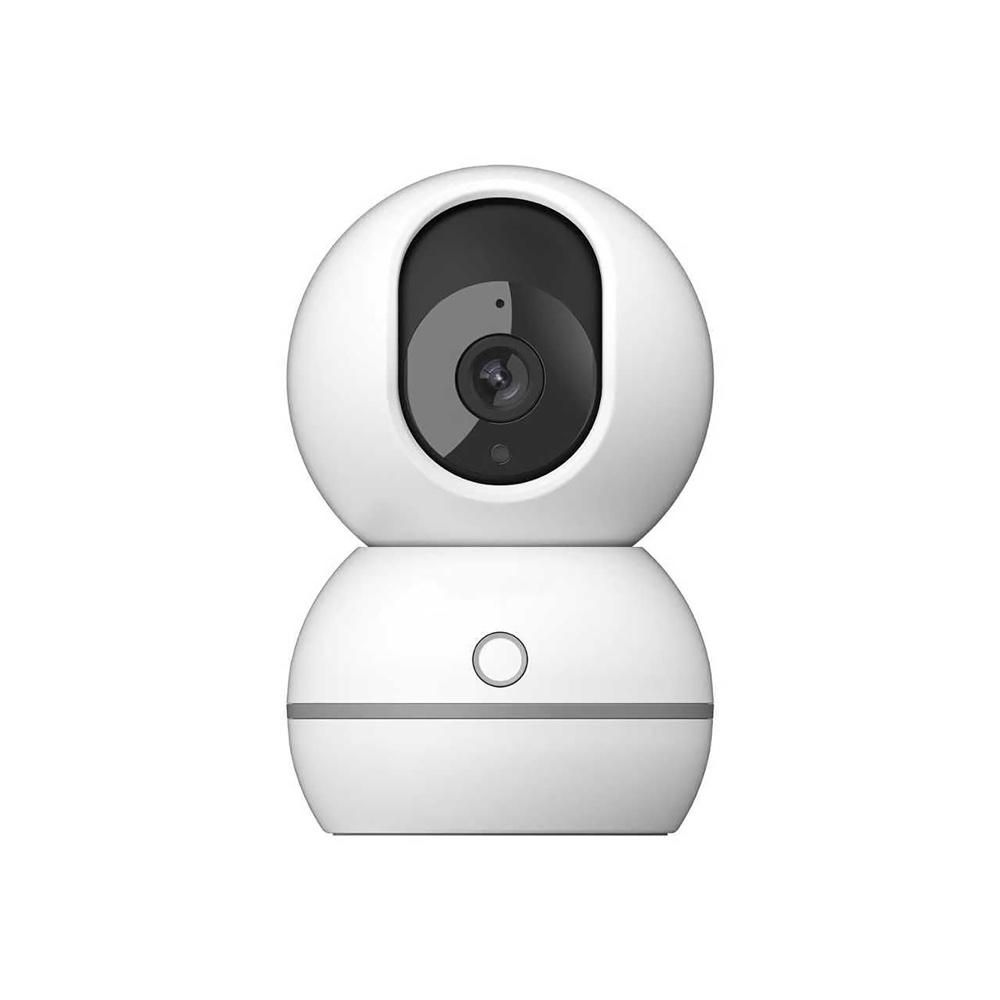
Indoor WiFi Surveillance Camera
User manual — Indoor WiFi Surveillance Camera (reference MDKCAMIN, barcode 3700902210237), available for download in French and English. You'll also find its technical specifications, a video and 16 frequently asked questions here.
- Model
- MDCI0126BCSKU MDKCAMIN
- Barcode (EAN)
- 3700902210237
User manual
- Manual for MDCI0126BCFrançaisPDF · 20 pp. · 2.4 MoDownload →
- Manual for MDCI0126BCEnglishPDF · 20 pp. · 2.1 MoDownload →
Specifications
Connectivity
- Connectivity
- Wi-Fi
Tutorials & troubleshooting
Frequently Asked Questions
How do I download and install the app?+
Download the "Medekam" app from the App Store (iOS) or Google Play (Android), or scan the QR code provided in the manual. Then create an account and log in to add the camera.
Does the camera work on 5 GHz WiFi?+
No. The camera only supports 2.4 GHz WiFi (802.11 b/g/n) and does not work on 5 GHz. Make sure your phone is connected to a 2.4 GHz network before starting pairing.
How do I pair the camera with WiFi?+
Power on the camera and wait for the voice prompt "Welcome to the smart camera." In the app, tap "+", choose a setup method (Bluetooth, QR code, or hotspot), select your 2.4 GHz WiFi network, and enter the password.
The camera won't connect to the network, what should I do?+
Check that your phone and the camera are both on a 2.4 GHz WiFi network and that the password is correct. If you don't hear the voice prompt, hold down the Reset button for 5 seconds to reset the camera, then try a different method (QR code or hotspot).
Which memory card should I use, and how do I record videos?+
The camera offers two modes: local storage on a microSD card (sold separately), which is inserted into the slot provided on the camera, and subscription-based cloud storage.
How does cloud storage work?+
Cloud storage saves videos on secure servers, which can be viewed at any time through the app, even if the camera is stolen or damaged. Subscriptions offering 3, 7, or 30 days of history are available depending on your country.
How do I reset the camera?+
Hold down the Reset button for 5 seconds: the camera restores its factory settings. Use this procedure before re-pairing, or if the camera stays offline unusually long.
How do I share access to the camera with another user?+
Open the live view, tap "Share Device" and then "Share via QR Code", and choose the permissions. The other person needs to install the "Medekam" app, create an account, and then scan the shared QR code.
My camera's indicator light is flashing, is it properly connected?+
A flashing light means the camera is powered on but not yet connected to the network. Once the connection is successful, the light stays on continuously. You can then turn this light on or off from the app.
Adding the camera via Bluetooth fails, what else can I do?+
If Bluetooth setup does not work, try QR code setup: the app displays a code that you hold up in front of the lens until you hear a beep from the camera. If that still doesn't work, use hotspot setup instead.
My camera can't find my Wi-Fi network, why?+
The camera works on the 2.4 GHz Wi-Fi band. During setup, make sure to select your router's 2.4 GHz network and enter the corresponding password. The eye-shaped icon in the app lets you reveal the password to check it is correct.
On iPhone, hotspot setup doesn't happen automatically, what should I do?+
On iOS, the app cannot join the camera's hotspot automatically. Open your phone's Wi-Fi settings and manually connect to the network named “Cloud_” followed by a few characters. Then go back to the app to finish adding the device.
Can I install this camera on my terrace or under a garden shelter?+
No, this model is designed for indoor use only. Do not expose it to rain and do not use it in a damp environment.
How do I mount the camera on the wall?+
On a concrete wall, drill holes using the mounting plate as a template, insert the wall plugs then screw on the plate. On a wooden wall, align the plate with the holes and screw it on directly, without wall plugs. Then align the camera mount's clip with the one on the plate and turn to lock it in place.
Which power adapter should I use for my camera?+
Only use the original adapter supplied by the manufacturer, brand ShiAn Power, output 5 V - 1 A. Plug it into the socket at the back of the camera. The light flashing or the voice announcement confirms that the device is powered on.
Does my camera run on battery or must it stay plugged in?+
It must stay plugged in: connect the original adapter (5 V – 1 A output) to the power socket at the back. The camera has no standby mode: as soon as the mains supply is cut, it stops working completely and no longer monitors anything.