

Your cameras,
in your pocket.
Medekam connects your MEDEK cameras to your phone. Live view, two-way talk, alerts and recording playback, all in one place.
Free. iOS 15.5 or later, and Android.
What you need, nothing more.
Live video
The picture is there the moment you open the app — from the next room or from the other side of the country. Pan and tilt with a fingertip.
Two-way talk
You hear what is happening and you answer from your phone. Useful for a delivery, a child coming home, a pet left alone.
Alerts that sort
Motion, human shape, unusual sound: the notification reaches your phone. Not every time a leaf moves.
Playback
Go back over what was recorded — on the microSD card inside the camera, or in the cloud.
Family sharing
Up to ten people on the same camera, by QR code, phone number or email address. Each with their own permissions.
Several cameras
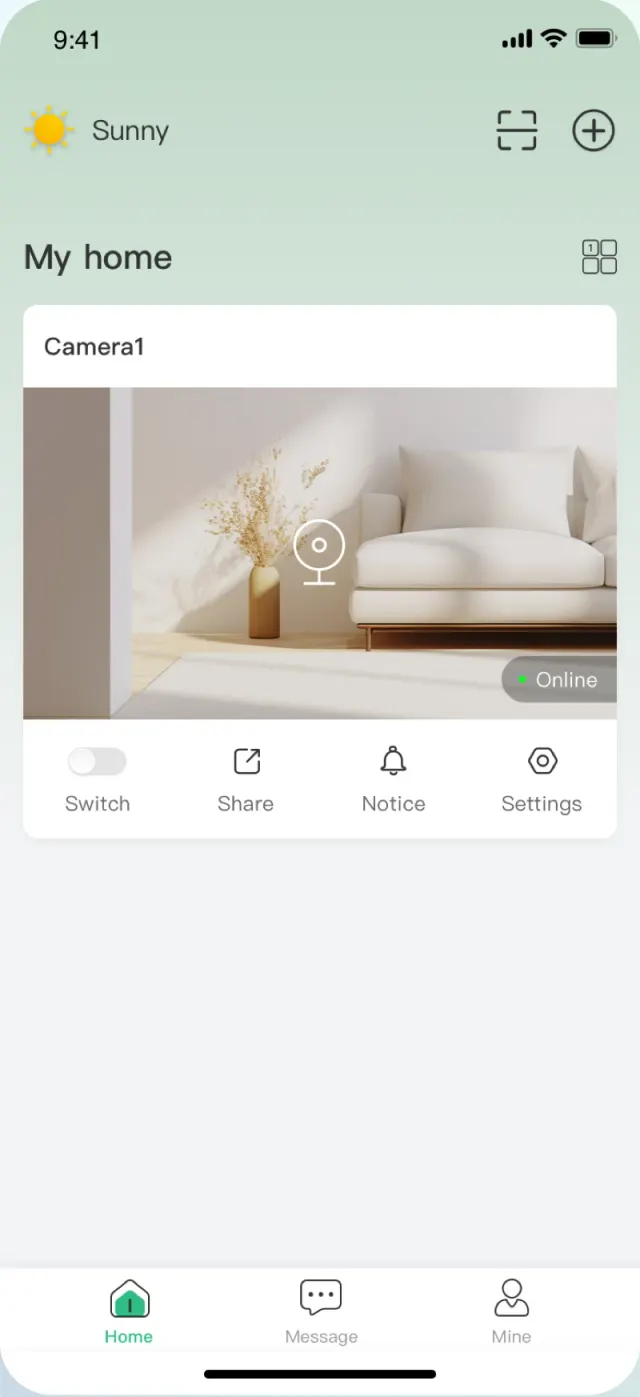
Indoors and outdoors on the same home screen, with the status of each at a glance.
The app, screen by screen.
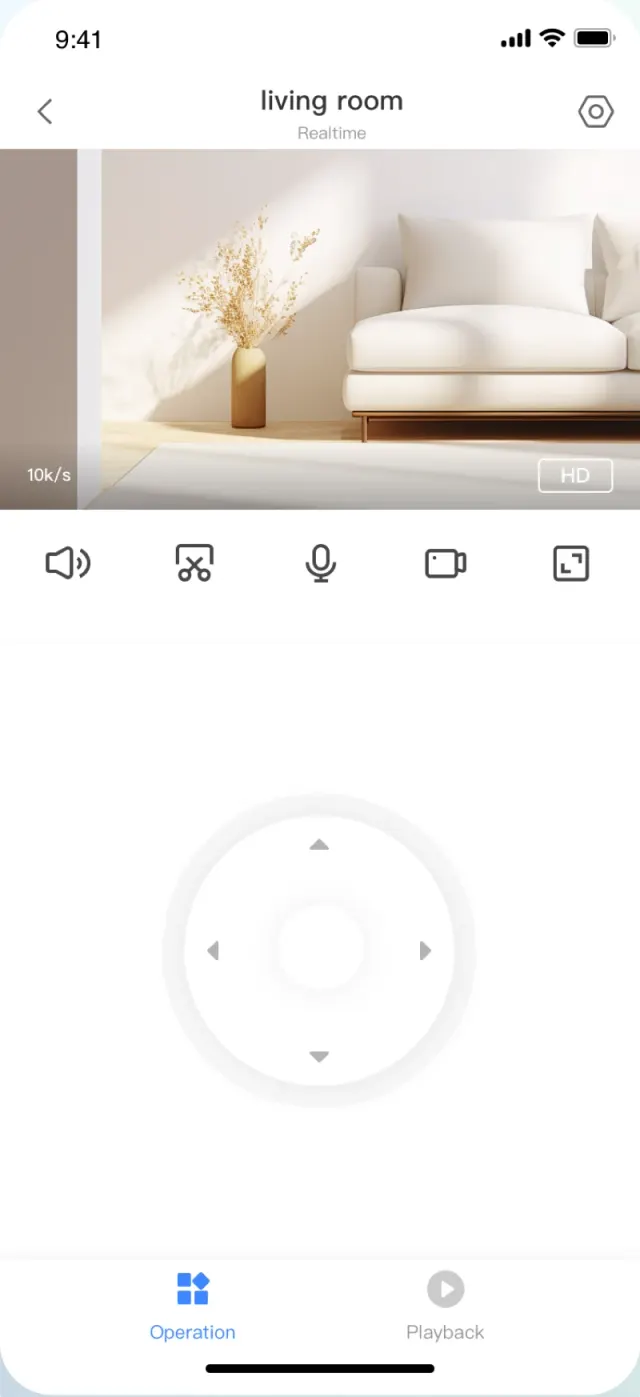
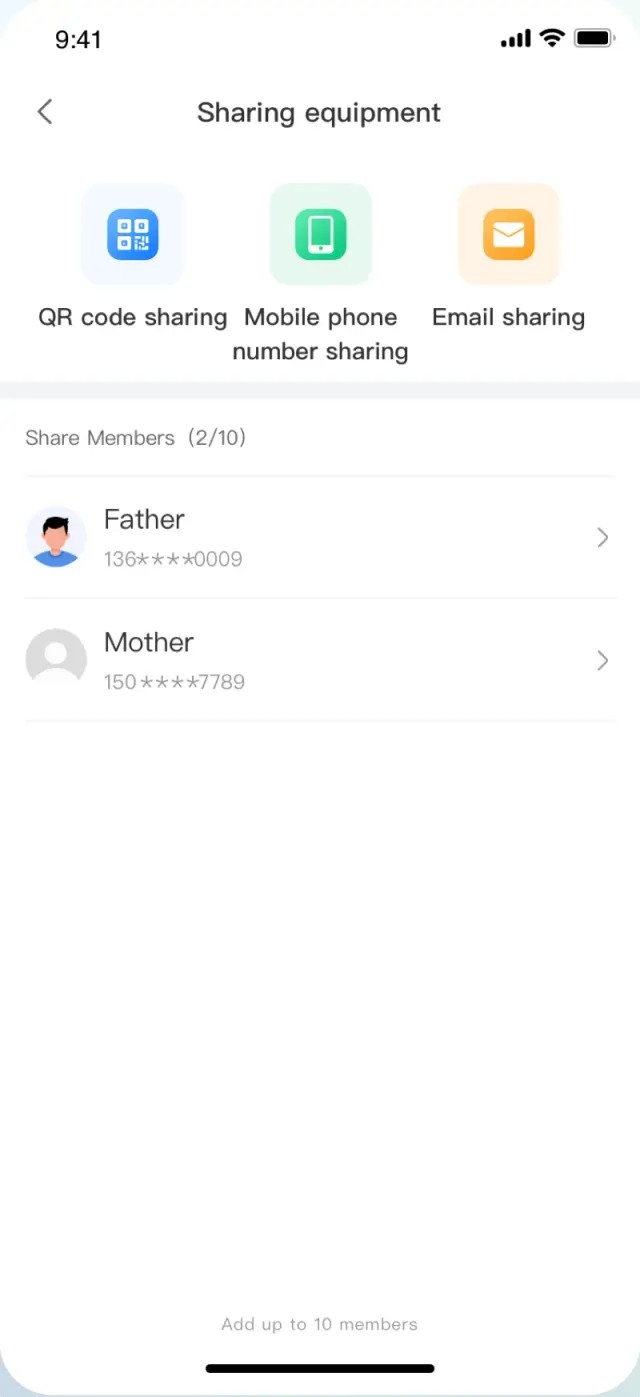
Screenshots taken from the English version of the app.
Three steps, once and for all.
The support page for your camera walks through every step, with the setup video.
- 01
Install the app
From the App Store or Google Play, depending on your phone. Create an account, then sign in.
- 02
Power up the camera
Wait for the spoken welcome message. Your phone must be on a 2.4 GHz Wi-Fi network: the cameras do not work on 5 GHz.
- 03
Add the camera
Tap “+” in the app and choose the pairing method — Bluetooth, QR code or hotspot. Select your network and enter the password.
MEDEK connected devices.
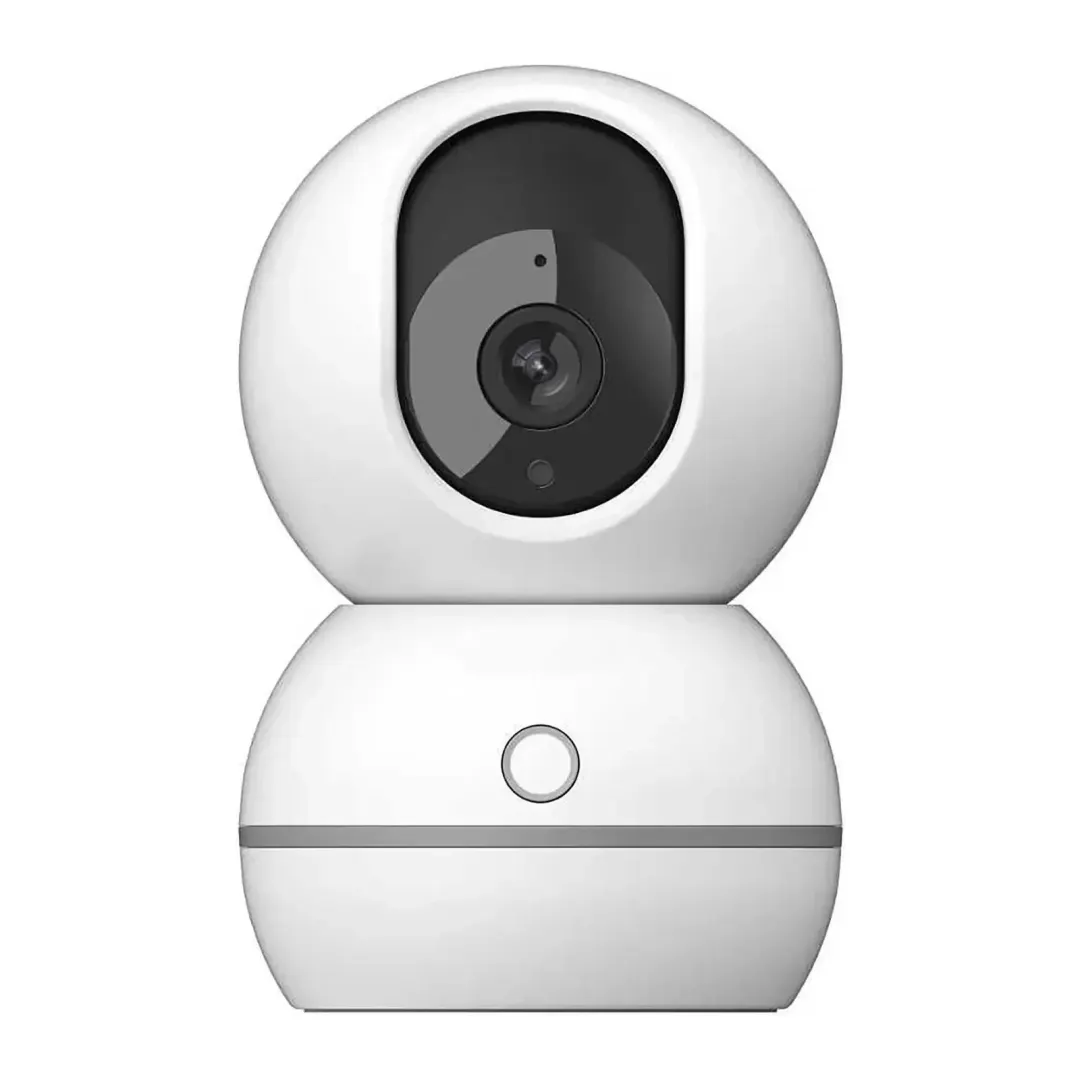
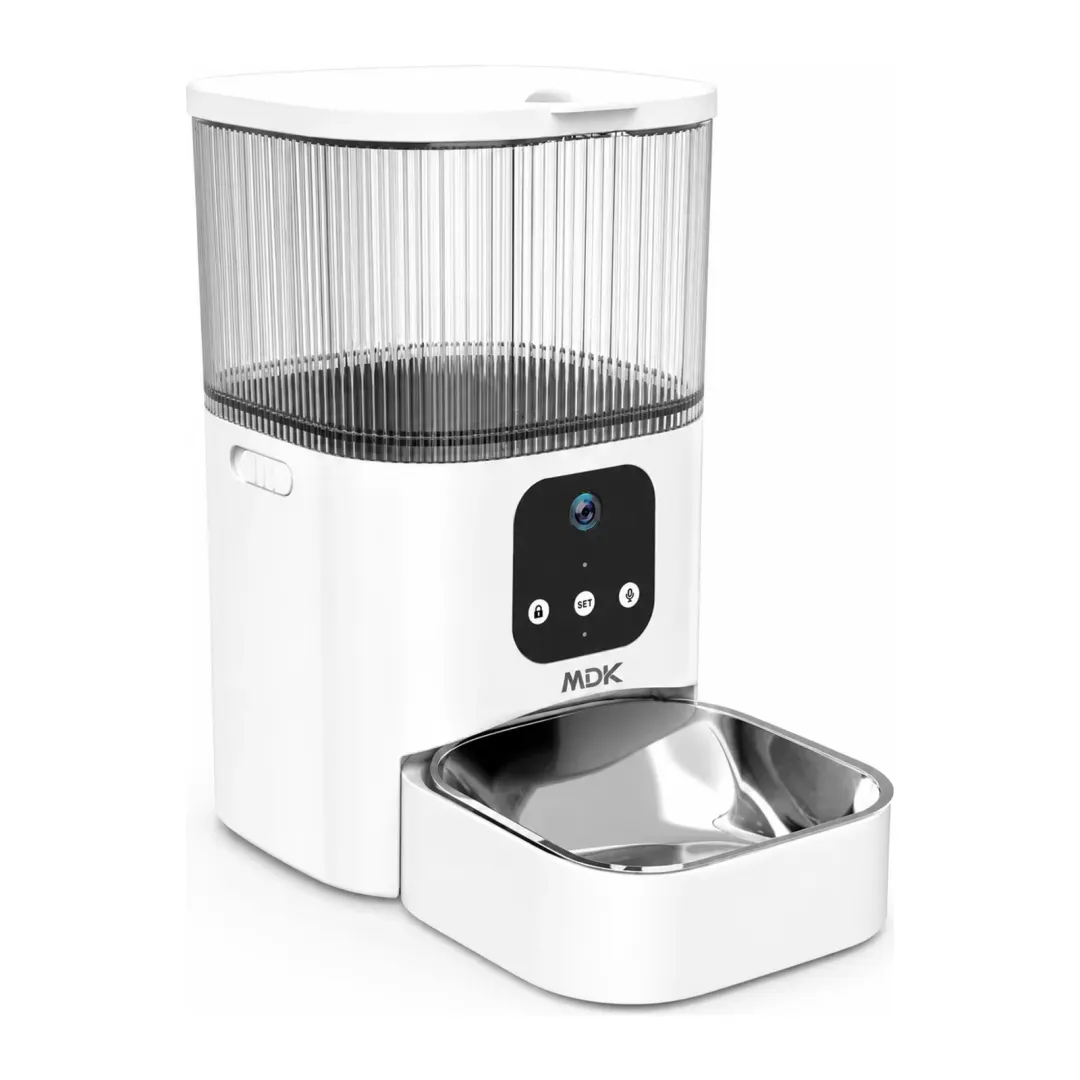
The app is free and serves these appliances only, gathered under a single account on one screen. On the cameras, the microSD card works without a subscription; cloud storage requires one.

Support answers.
Pairing, network, recording, sharing: the most common questions are covered on each camera's support page, along with the manual and the setup video.
Open support→