
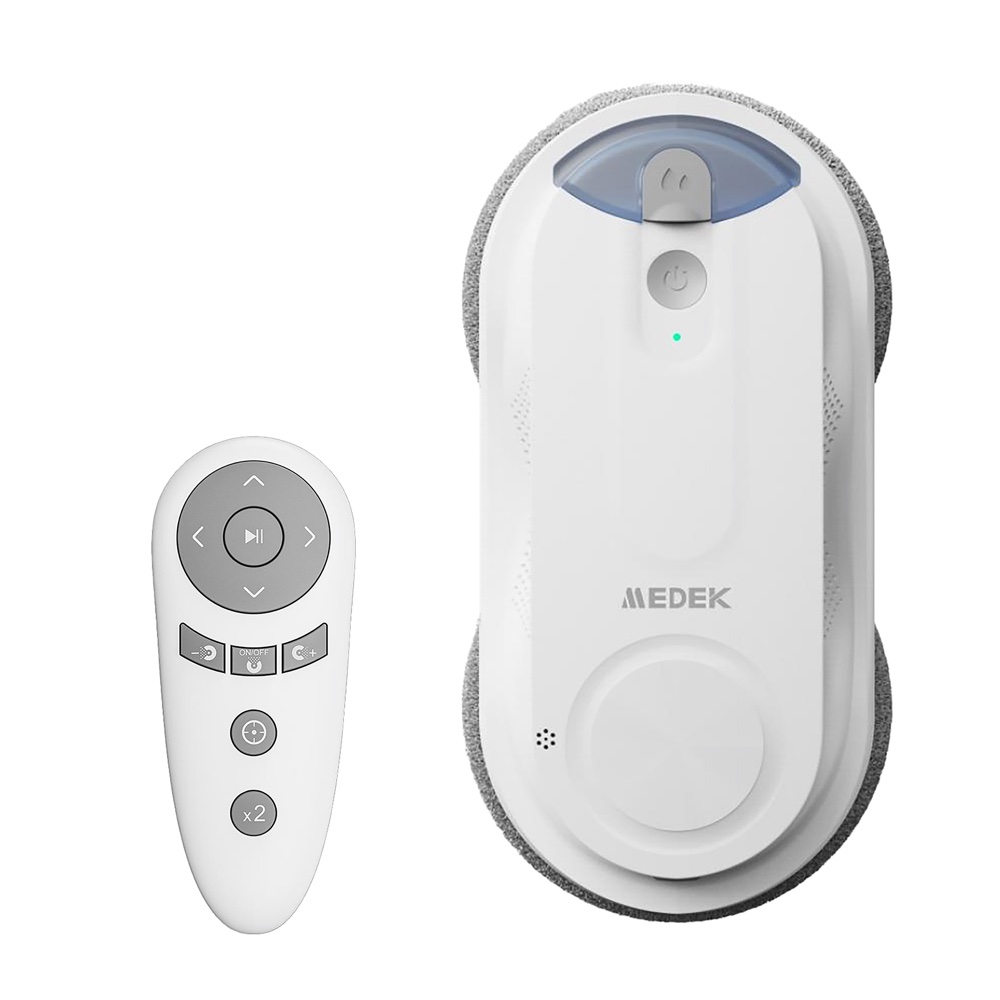
Remote-Controlled Window Cleaning Robot White
User manual — Remote-Controlled Window Cleaning Robot White (reference MEDWIN, barcode 3700902210138), available for download in French, English and Dutch. You'll also find its technical specifications and 9 frequently asked questions here.
- Model
- MDLV0126BCSKU MEDWIN
- Barcode (EAN)
- 3700902210138
User manual
- Manual for MDLV0126BCFrançaisPDF · 20 pp. · 4.5 MoDownload →
- Manual for MDLV0126BCEnglishPDF · 20 pp. · 4.3 MoDownload →
- Manual for MDLV0126BCNederlandsPDF · 20 pp. · 4.3 MoDownload →
Specifications
Power supply
- Voltage
- 100–240 V
Capacity & size
- Tank capacity
- 65 ml
Operation
- Motor speed
- 29,000 rpm
- Noise level
- 70 dB
Materials & finish
- Materials
- Glass
Care & safety
- Auto shut-off
- Yes
Connectivity
- Remote control
- Yes
Frequently Asked Questions
My window cleaning robot slides down the window, what should I do?+
Check that the cloth is neither too wet nor too dirty, and replace it with a dry, clean cloth if necessary. Conversely, if the cloth is too dry and is causing slipping, activate the spray function to dampen it. Never spray water onto the window by hand: too much moisture will cause the robot to lose suction.
The indicator light is flashing red, what does that mean?+
This indicates either that the robot has become disconnected or that suction power is insufficient. Reconnect the power supply or remove the robot from the window, then check for any air leak, particularly around the brush holder. If friction against the window is too strong or too weak, replace the cloth or spray a little water onto the glass.
The indicator light alternates flashing red and green with an alarm, what should I do?+
Switch off the robot and unplug the cable for a few minutes, then reconnect the power supply and switch the appliance back on. If it still does not work, this indicates an internal hardware problem: contact after-sales service.
The robot is not spraying water, how do I check this?+
First wipe the nozzle surface with a cotton swab. To test it, restart the robot and hold it in your hand with the cover facing up, then hold down the “low water spray” button on the remote control for the left nozzle and the “high water spray” button for the right nozzle. A slight delay in spraying when work starts is normal.
The robot beeps 5 short times, what does this signal?+
These are 5 short beeps at 5-second intervals: they indicate that there is not enough solution in the tank while water spraying is activated. Fill the tank and close the cap again, then dry any remaining surface moisture before resuming work.
There are round marks left on the window after cleaning, why?+
These residual marks indicate a worn brush: replace it. If the brush holder shakes strongly while working, also check that the cloth is not too wet and replace it with a dry cloth.
Which windows can I use the robot on?+
The glass surface must be larger than 30 x 30 cm, dry and undamaged: do not use the robot in the rain, or on a misted, cracked or broken window. Also avoid windows with stickers or oil on them, as well as frames that are too narrow or bevelled, as the robot may fall. The appliance is for indoor domestic use between 0 °C and 40 °C.
What liquid can I put in the tank?+
The use of concentrated cleaning liquid is strictly forbidden: it clogs the spray hole and the pump. Make sure the solution added is free of impurities and does not overflow the tank. After use, empty out the solution, rinse with a little fresh water and do not leave any liquid in the tank.
What is the safety cable for and where should I attach it?+
It secures the robot while it cleans and is used to bring it back: if you cannot reach it, pull gently on the cable to draw it closer, then take it off the window once you have switched it off. Check that the cable button is firmly fixed to the robot's frame, then attach the loop end to something solid and stationary that cannot be pulled along, leaving the robot enough length to move. Check before every use that the cable is undamaged.